Out at the homes
The whole of Recal, wherever you are.
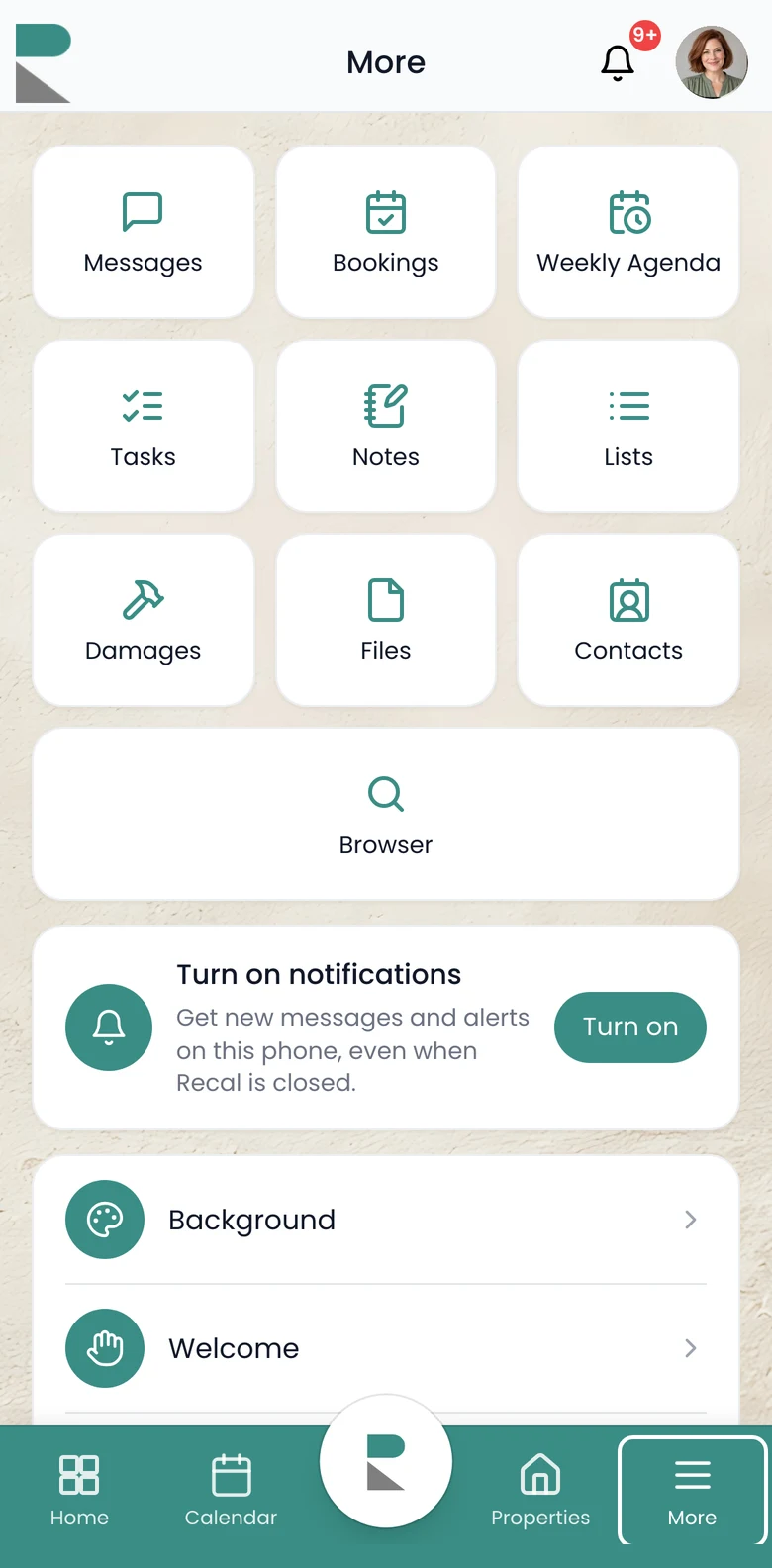
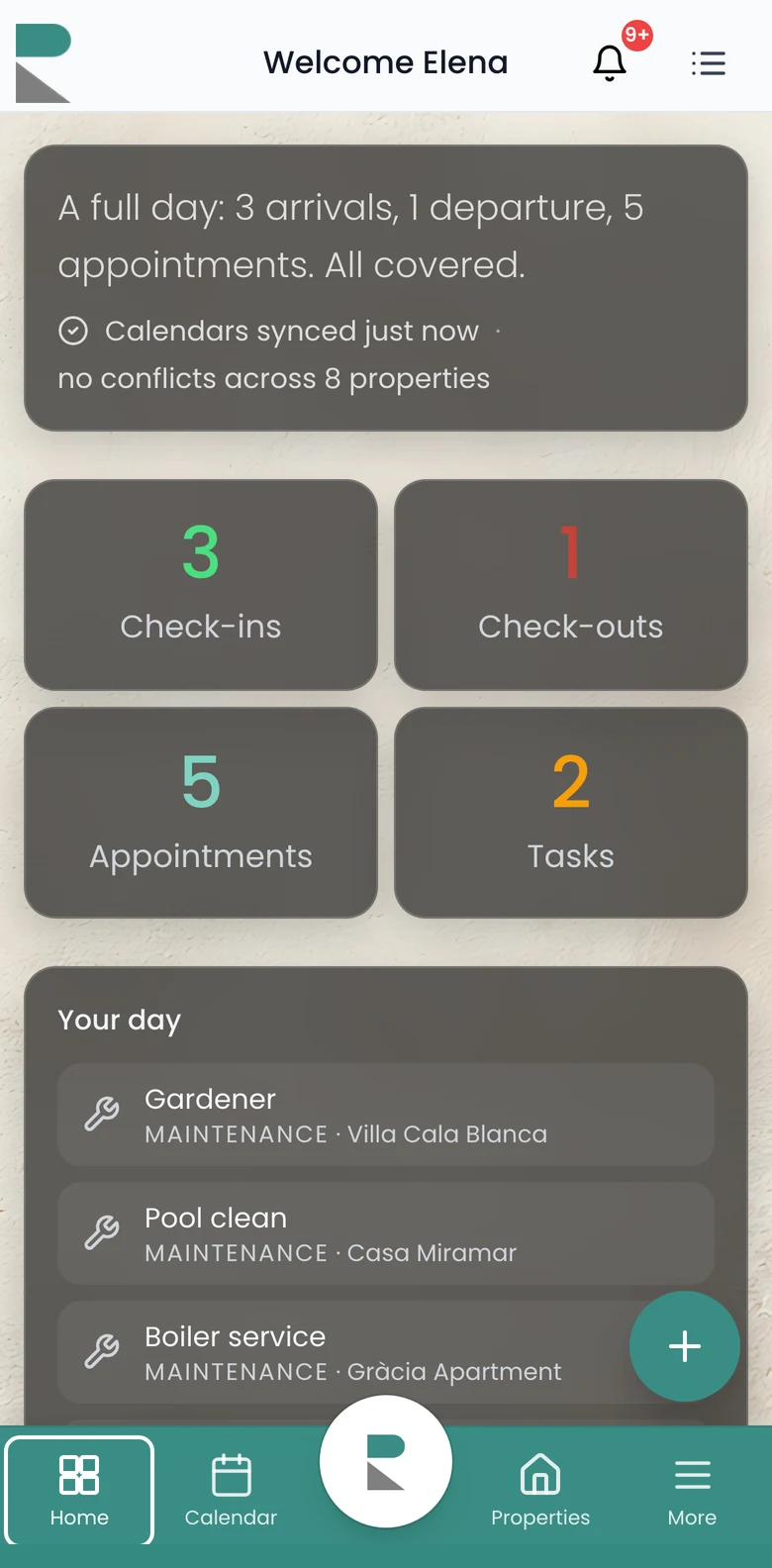
Log a damage from the pool, check a booking from the car, see today’s jobs before you arrive. It’s the same account as your desktop, made for one hand.
Recal on your phone
Every home, booking and task, two taps away.
Everything on the phoneOut at the homes
Log a damage from the pool, check a booking from the car, see today’s jobs before you arrive. It’s the same account as your desktop, made for one hand.
Notifications
New bookings, task updates, damages, check-ins and messages reach the right person on their phone, even when Recal is closed.
How notifications workGetting it
Recal installs straight from your phone’s browser, with no app store and nothing to wait for.
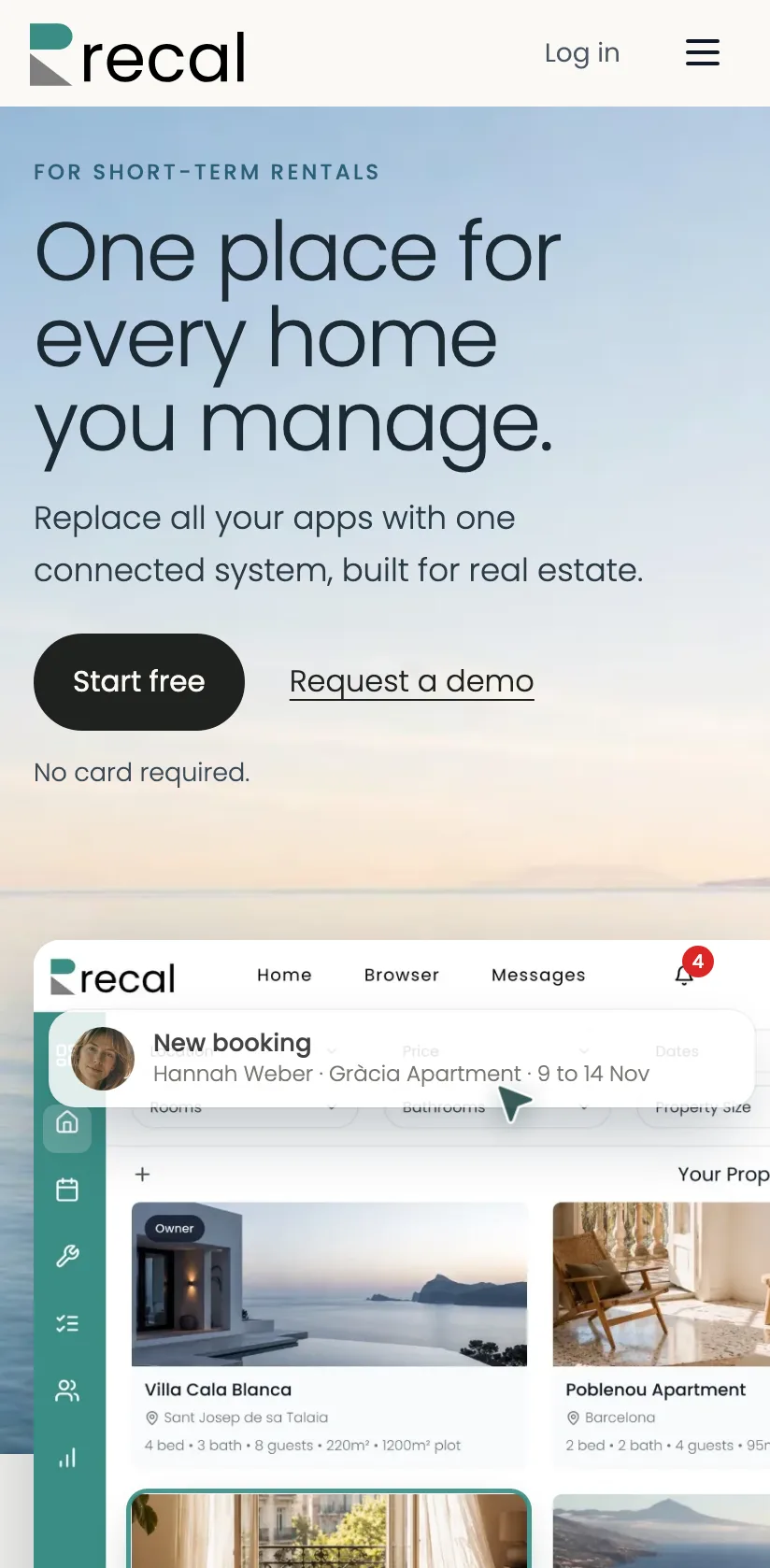
Open recal.co in Safari, tap Share, then Add to Home Screen.
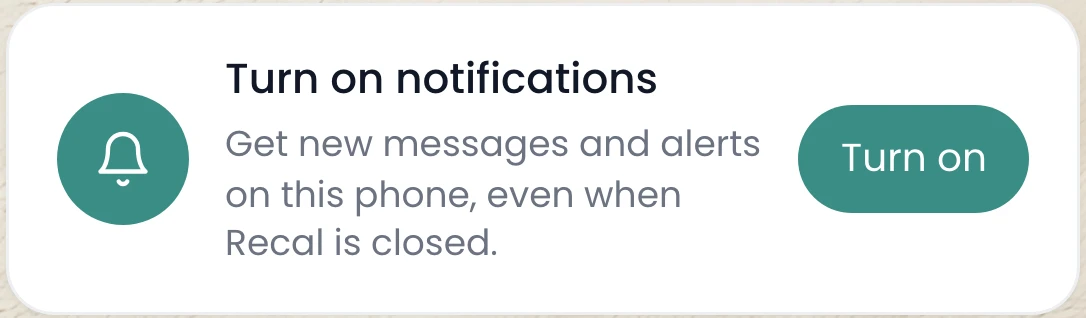
Open Recal, tap More, then Turn on.
Recal on your phone
Every home, booking and task, two taps away.
Everything on the phoneNo card required.
How to install it↓Out at the homes
Log a damage from the pool, check a booking from the car, see today’s jobs before you arrive. It’s the same account as your desktop, made for one hand.
Notifications
New bookings, task updates, damages, check-ins and messages reach the right person on their phone, even when Recal is closed.
How notifications workGetting it
Recal installs straight from your phone’s browser, with no app store and nothing to wait for.
Open recal.co in Safari, tap Share, then Add to Home Screen.
Open Recal, tap More, then Turn on.
Save more time. Make more money.
Start free