Owner page
Owners see it for themselves.
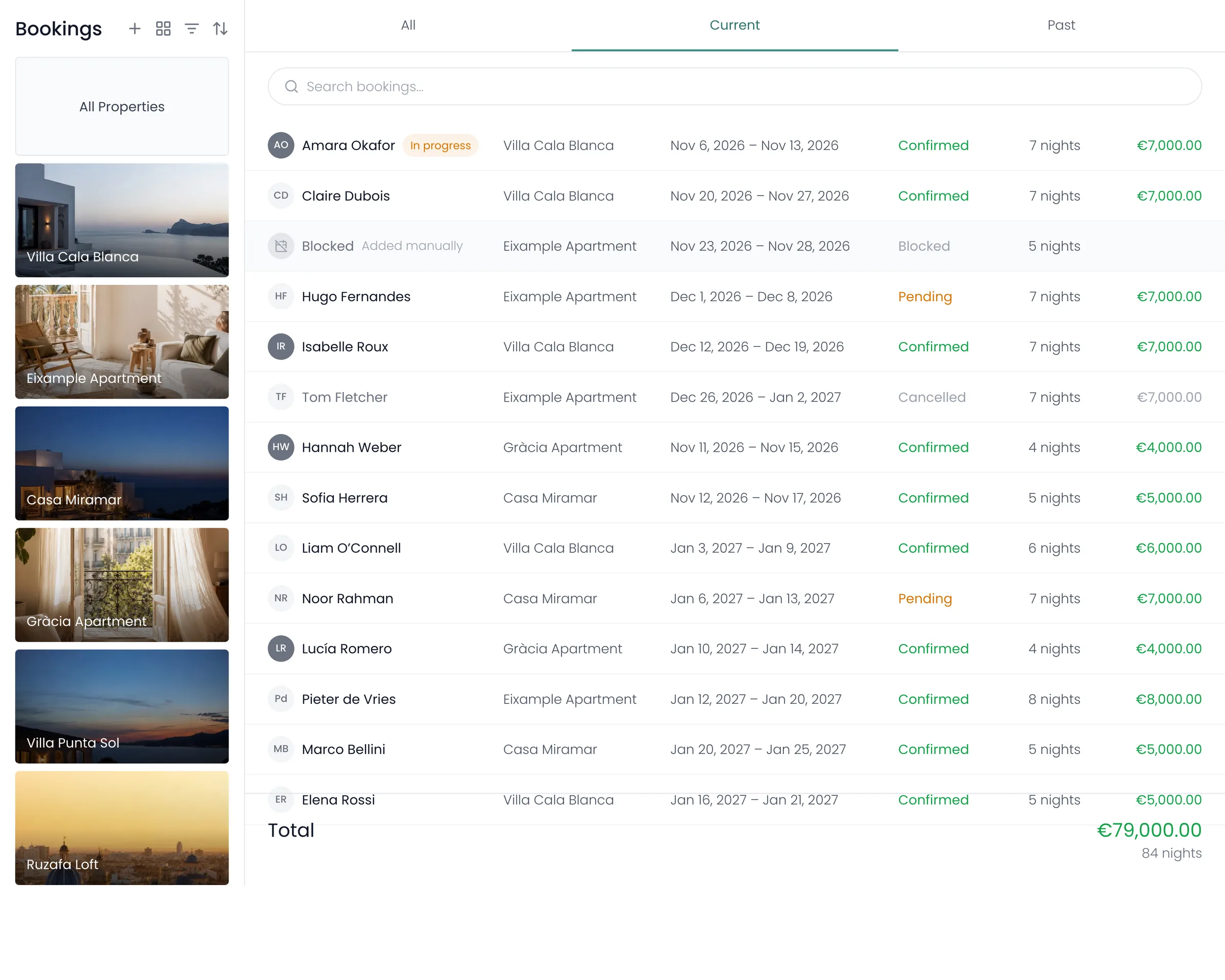
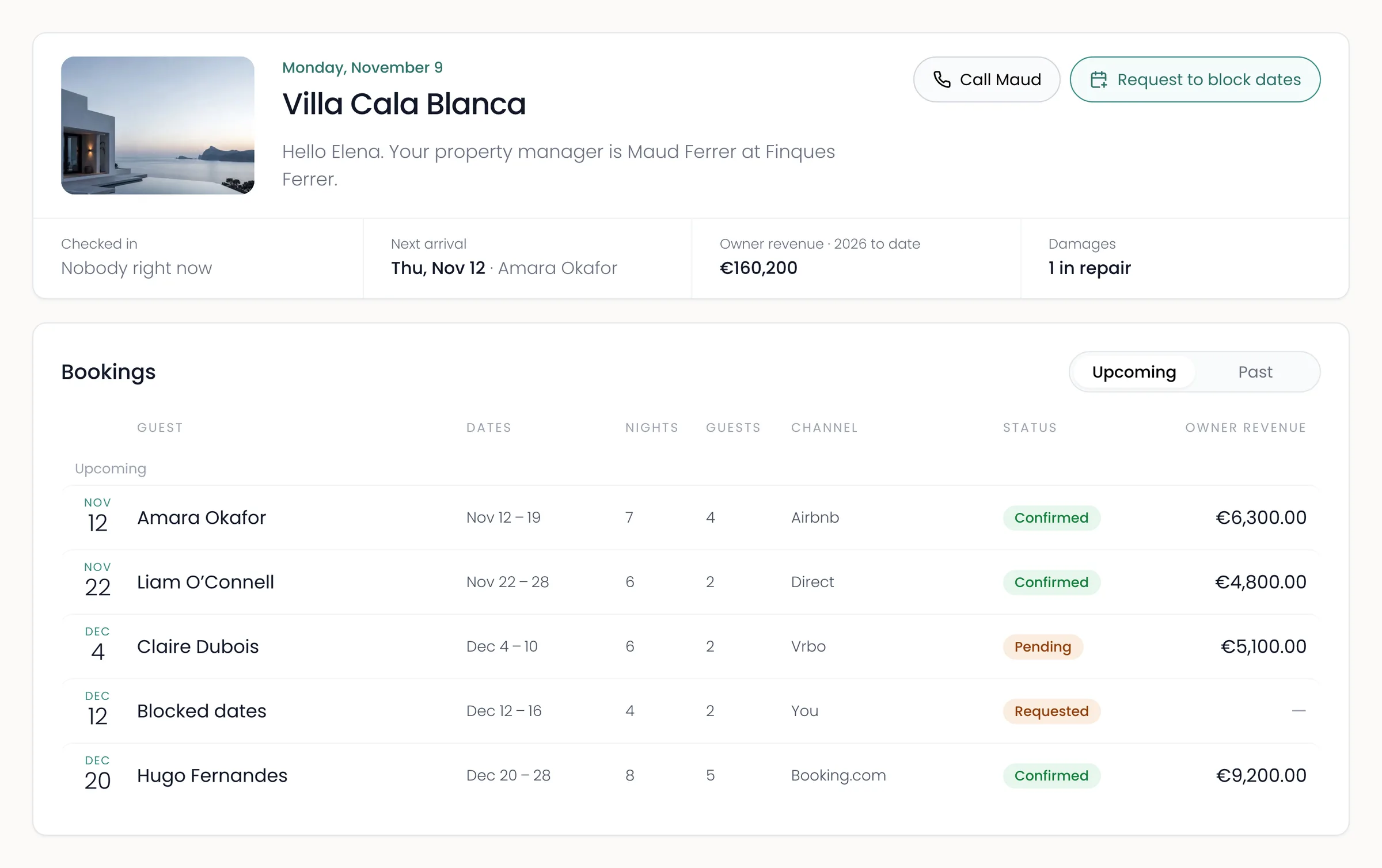
Recal gives each owner their own page with their bookings, their money and the work done at their home, so you don’t have to write them updates.
Work at the house
What happened, without a phone call.
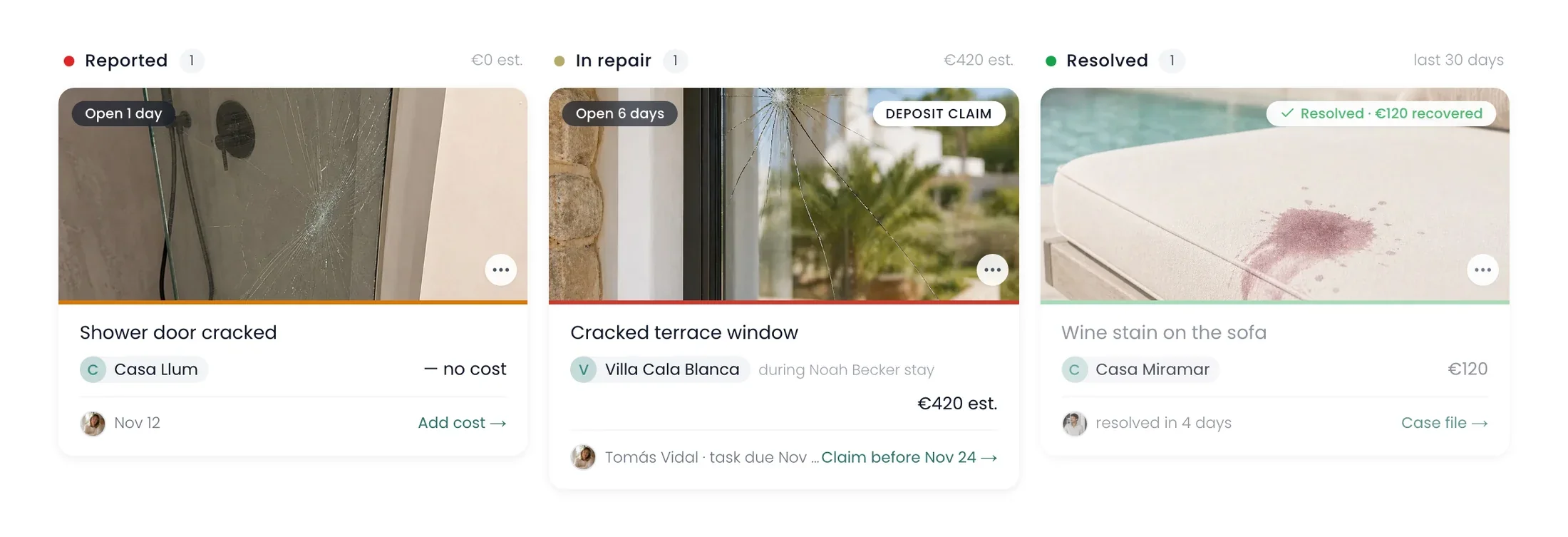
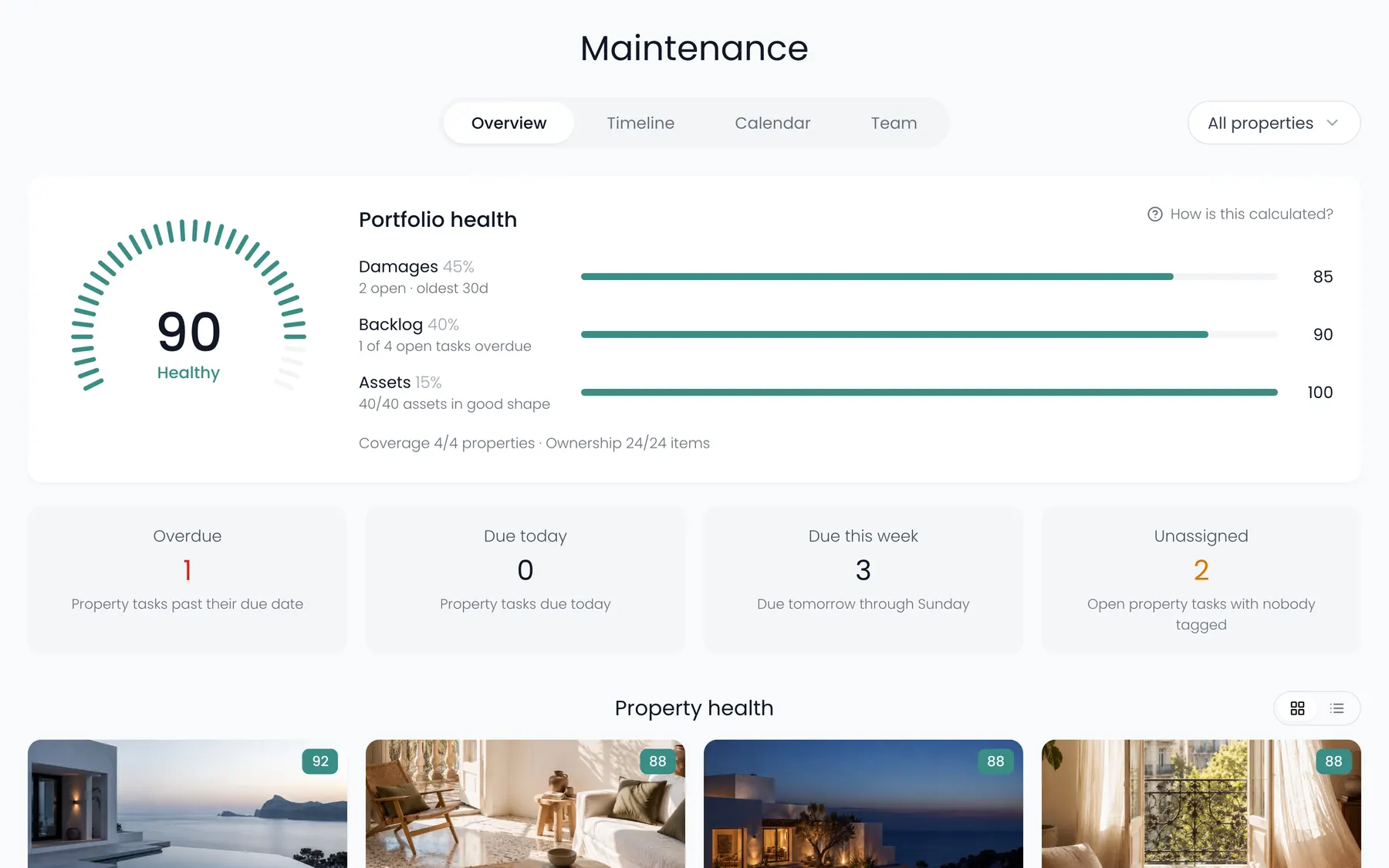
Owners see what broke and what it cost, the jobs that were done, and who is coming next.
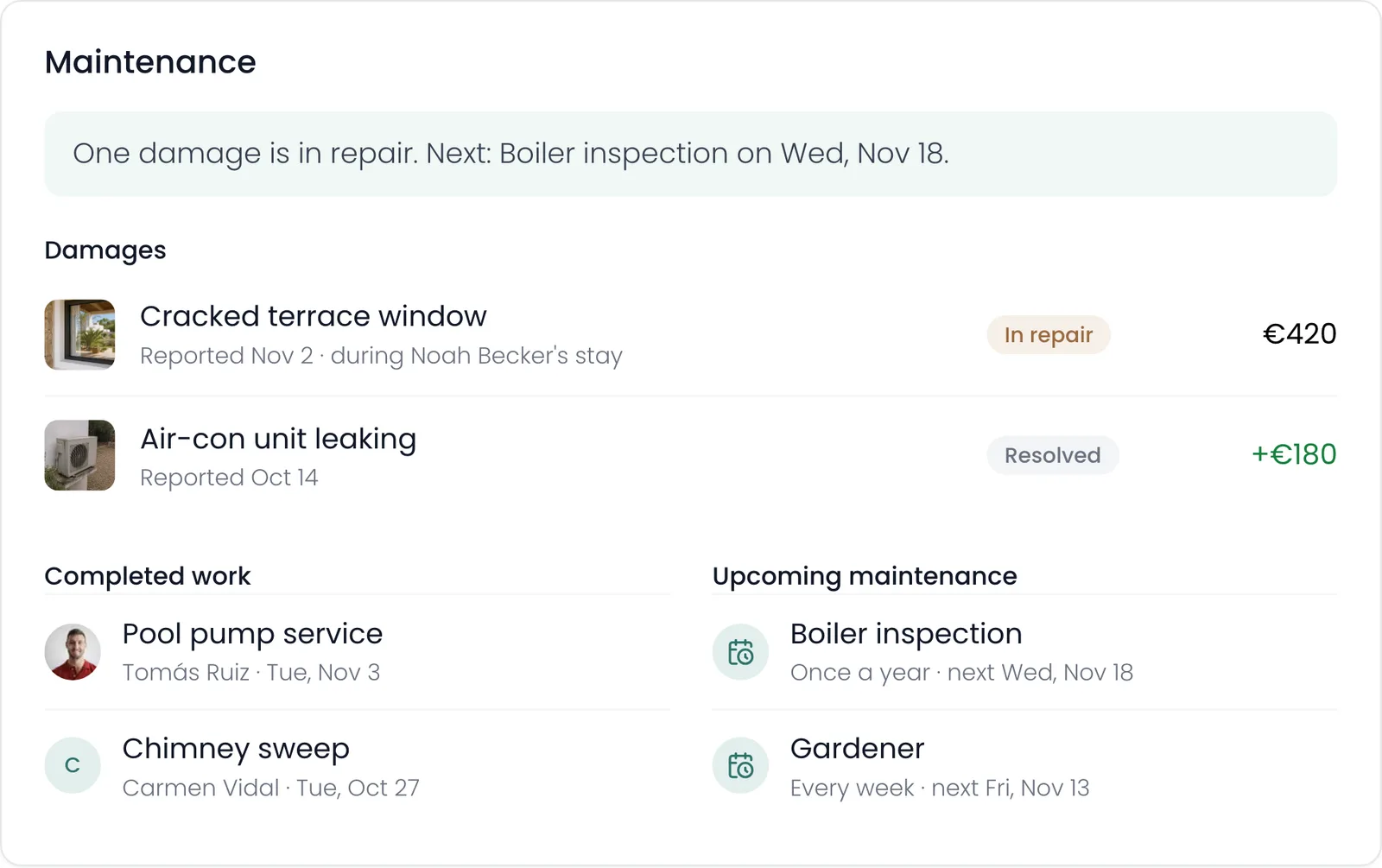
- 1A one-line summaryWhat’s being fixed and what’s next.
- 2DamagesA photo, what happened and when, and the cost. You can wait until it’s fixed before they see it.
- 3Jobs doneRegular jobs and repairs, and who did them.
- 4Coming upThe next visits, so nothing surprises them.
When owners want to stay
The owner asks. You answer.
An owner who wants to use their home picks the dates on their page instead of emailing you. You say yes or no with one button.
She picks the week she wants, says how many people are coming and sends it.
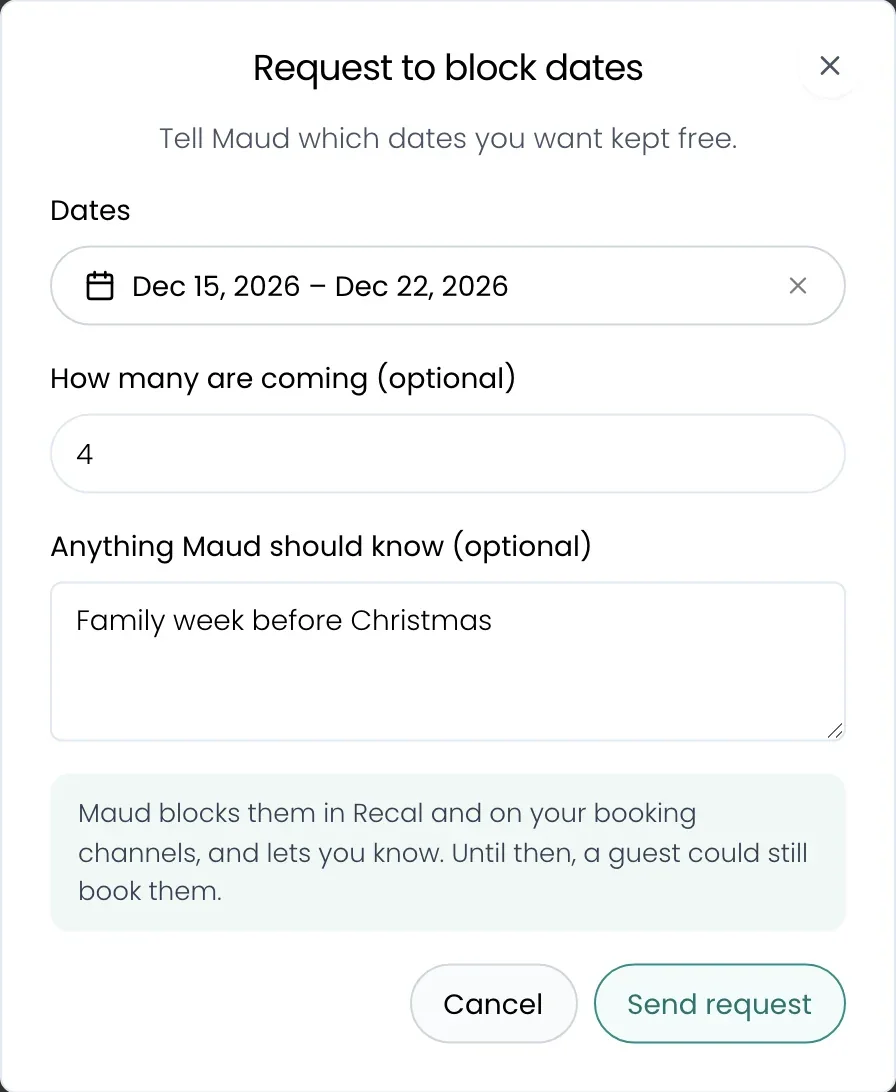
You see her request in Recal. Click Block dates to close them in Recal, or say you can’t. Elena gets an email either way.

Their money
What each month and year earned them.
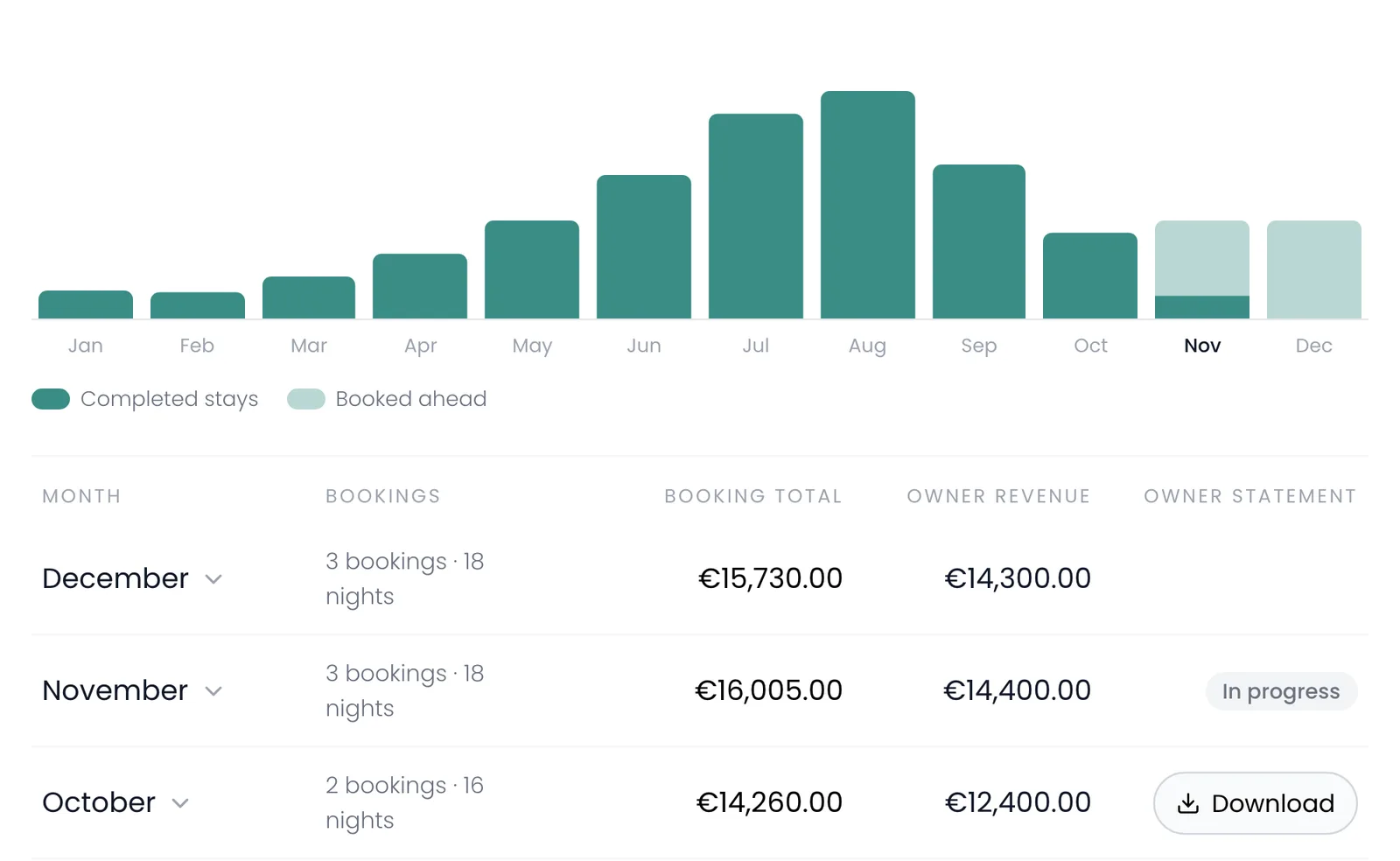
Owners see a bar for every month of the year, and how many bookings, what guests paid and the owner’s share. They can download a PDF statement for any finished month, for a whole year, or for the year so far.
Recal’s AI agent
Or just ask.
Nothing changes until you say yes.
Questions
What people ask about the owner page.
Does the owner need an account or a plan?
No. A link and a password are enough, and they don’t pay anything. If they want their own login, that needs Host.
Can owners see my commission?
Yes by default, and you can switch it off. Then they see their own revenue and whether a stay is paid, and nothing that gives your commission away.
Does Recal pay my owners?
No. Recal shows what each stay earned them and makes the statement. Paying the owner stays with you.
Can an owner block their own dates?
They send a request to block dates, and you block them. You can switch this off for any home.
Which plan includes it?
The password link works on every plan, for owners without an account. An owner’s own login to Recal needs Host.
Keep looking